


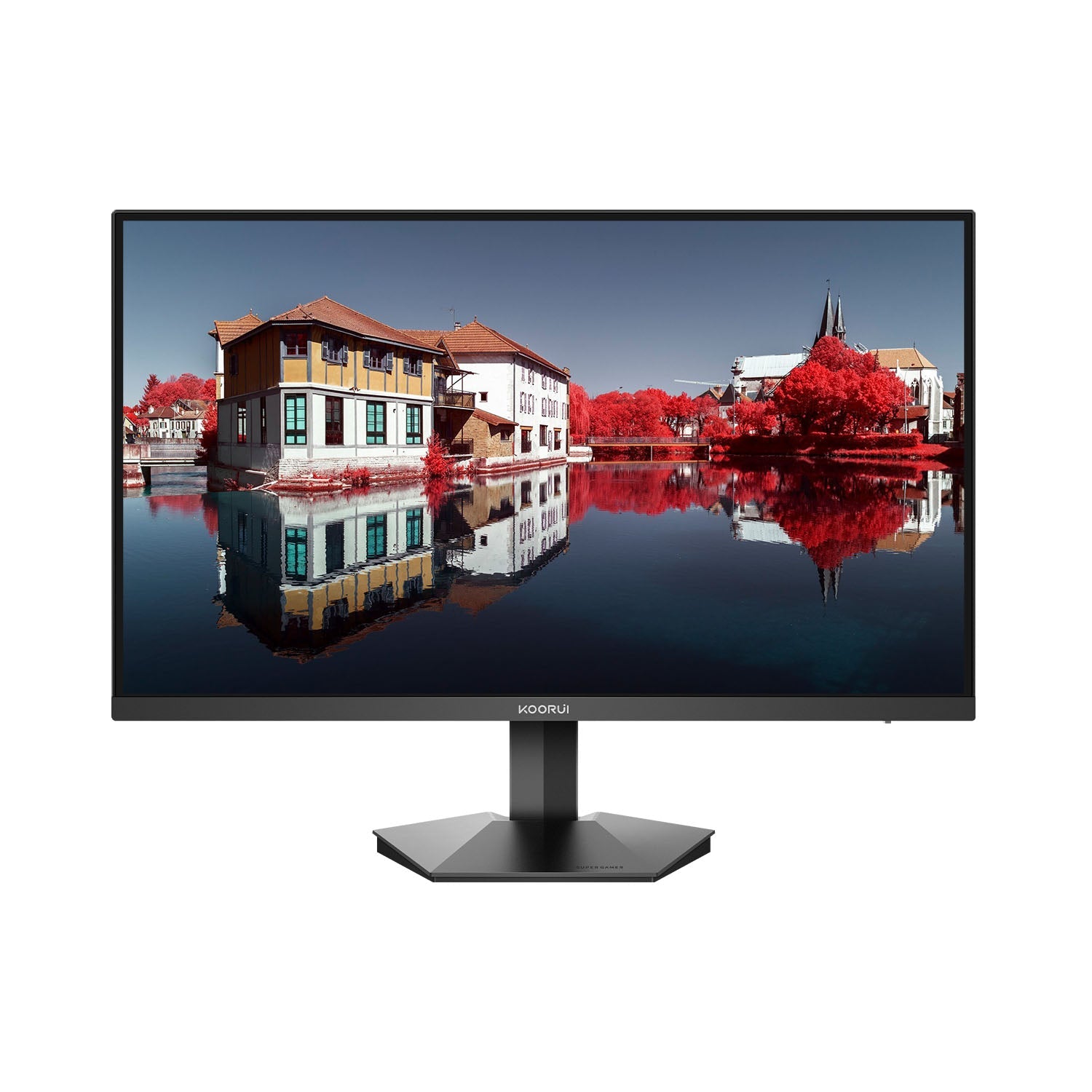
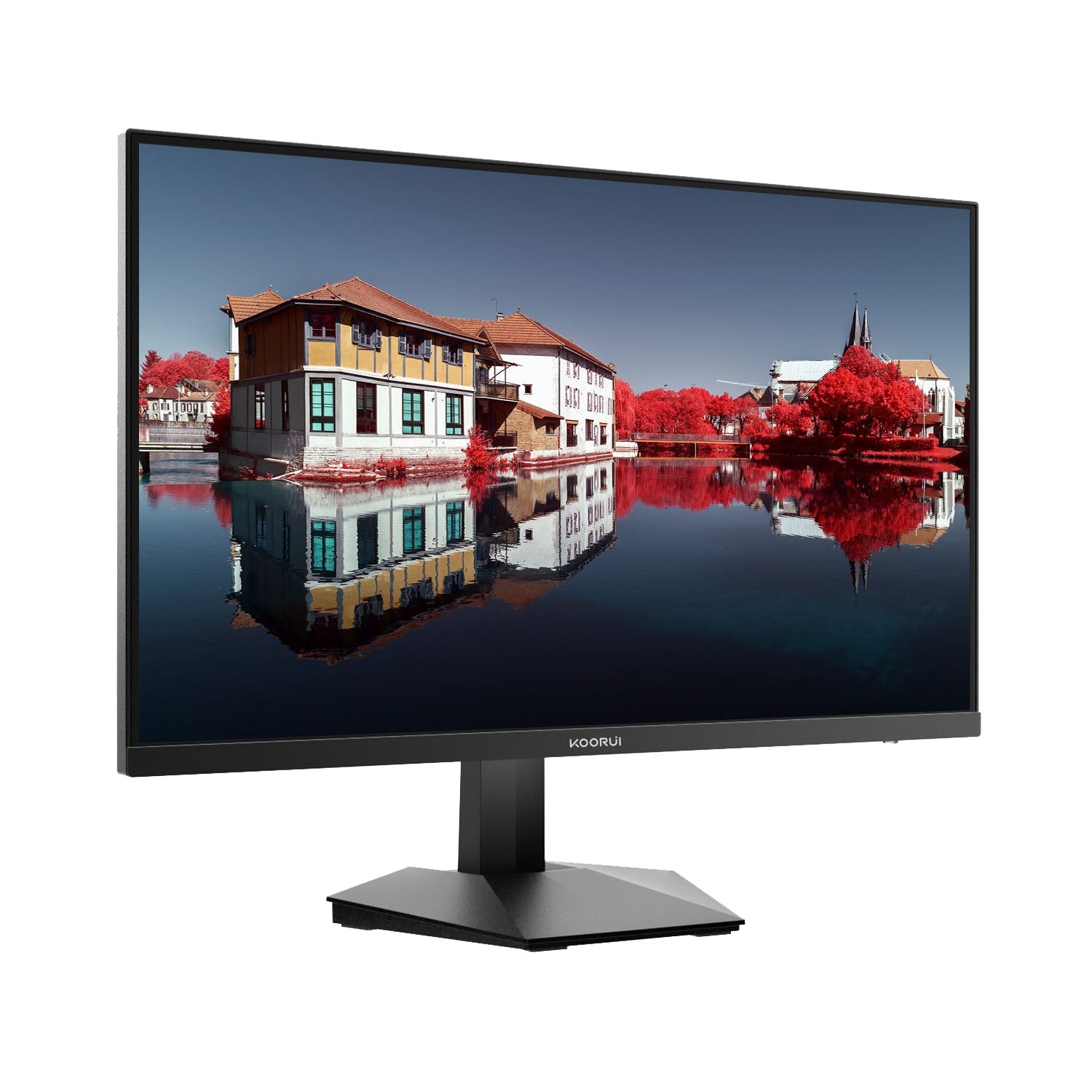
KOORUI GN06 27-Zoll IPS FHD 180Hz Gaming-Monitor


Key Features

Product Manual
Buy it with accessories:
Pairs well with
In stock! Ships within 1-4 business days.
30-day risk-free trial
3-Year Warranty
Kostenloser Versand und Rückversand
- Description
- Spezifikationen
- Vergleichen Sie
- Kommentar
- User Menu
- Häufig gestellte Fragen (FAQ)


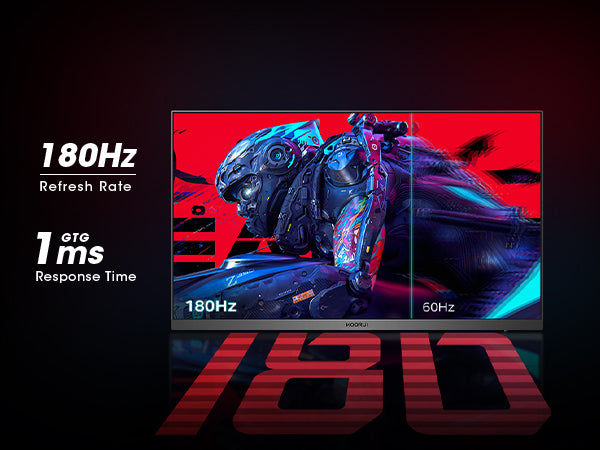
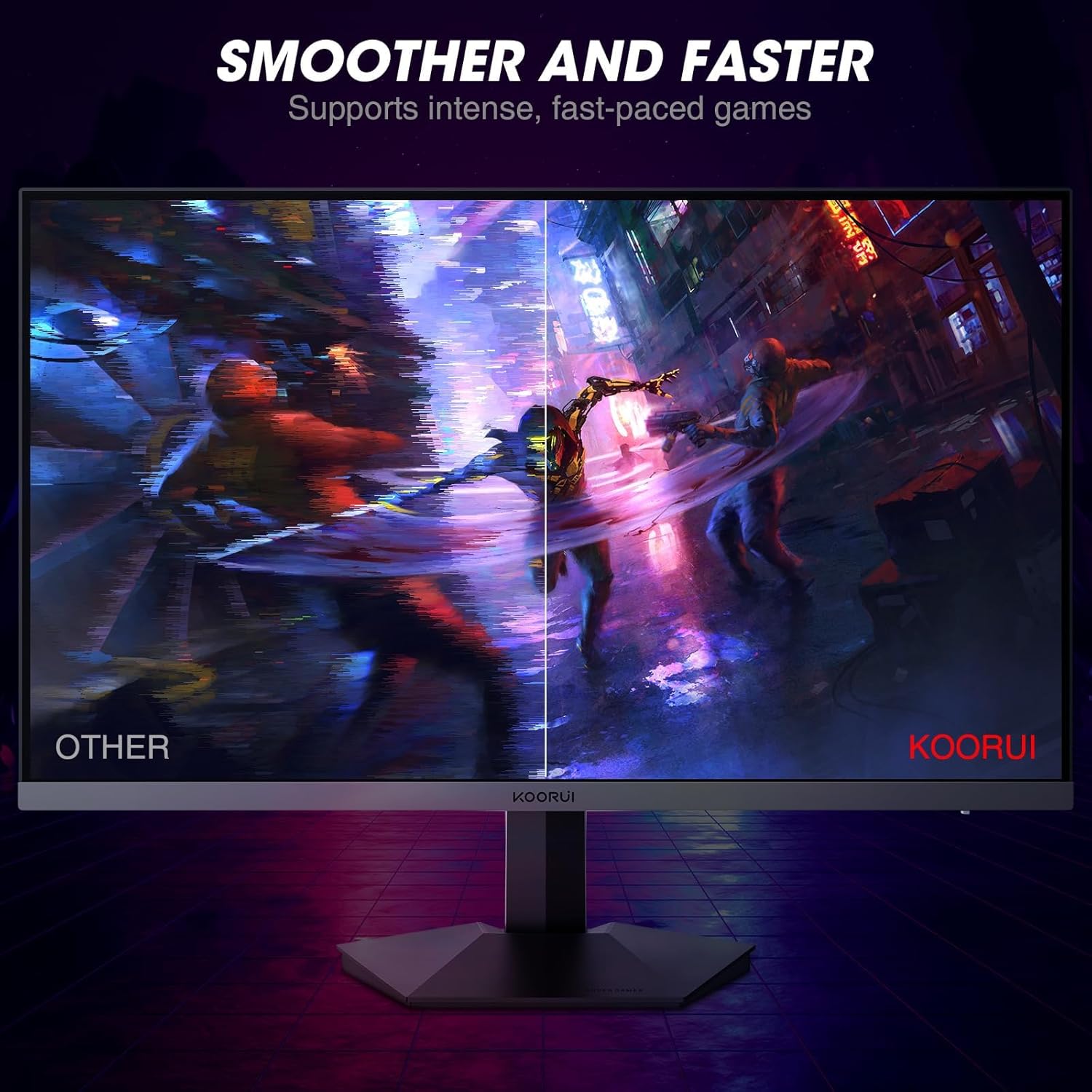
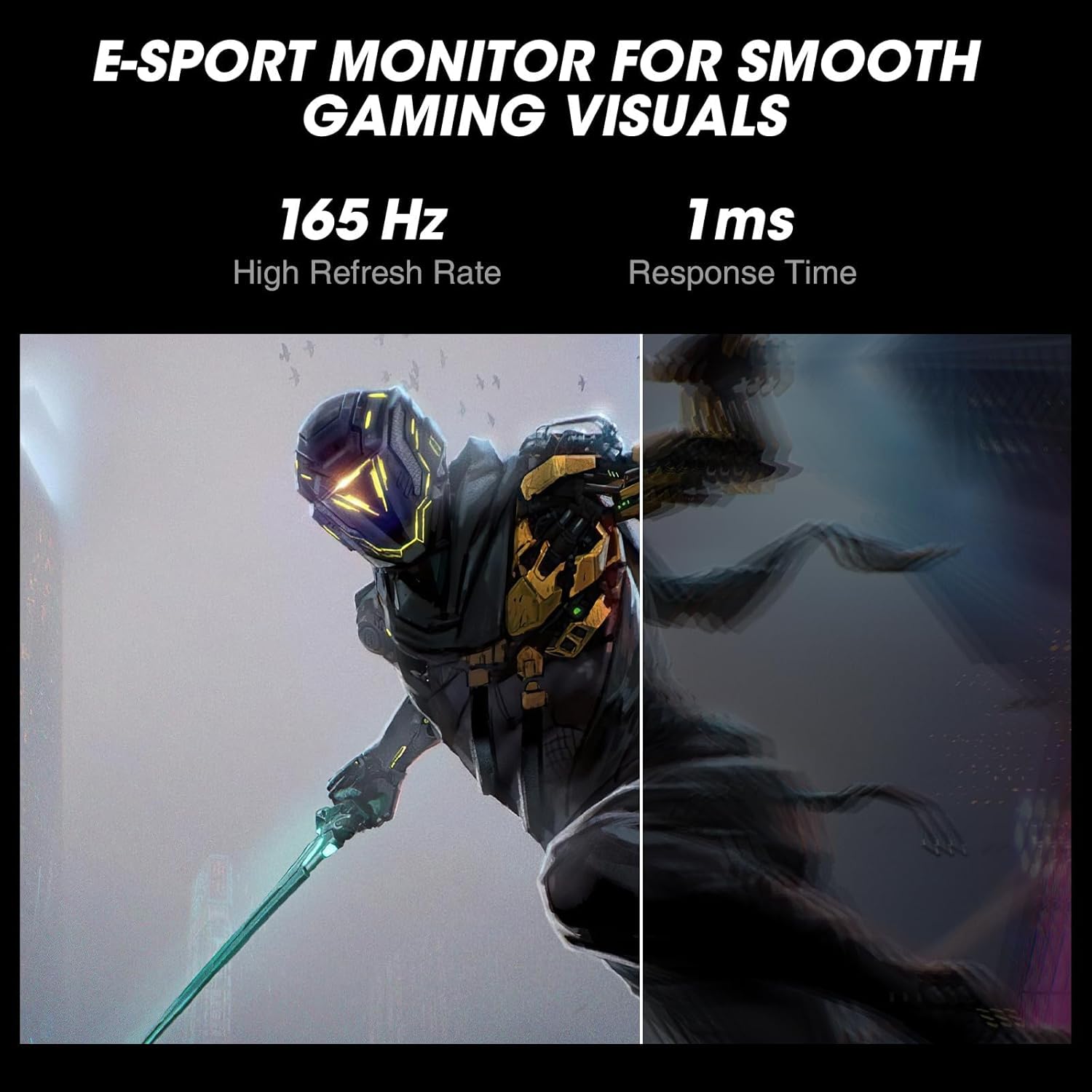
180 Hz Bildwiederholfrequenz und 1 ms Reaktionszeit reduzieren Eingabeverzögerungen und Bewegungsunschärfe.
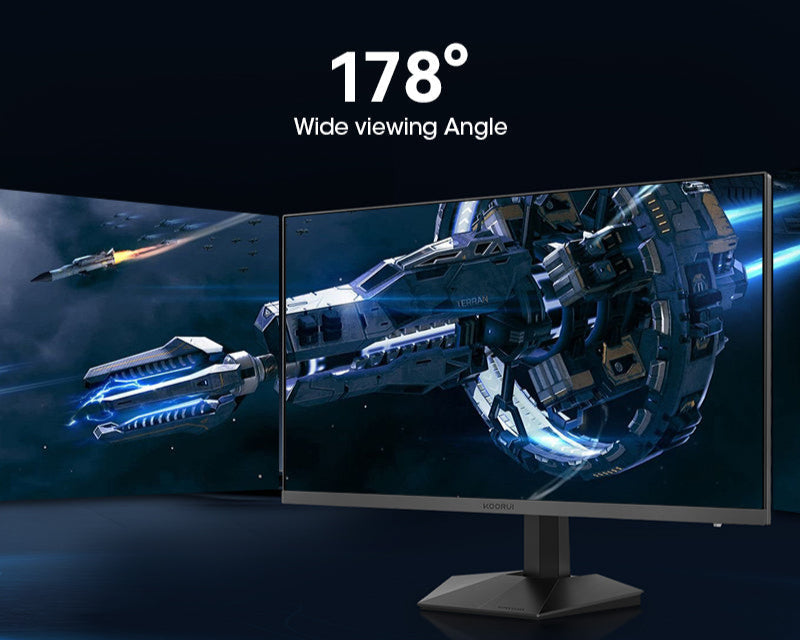
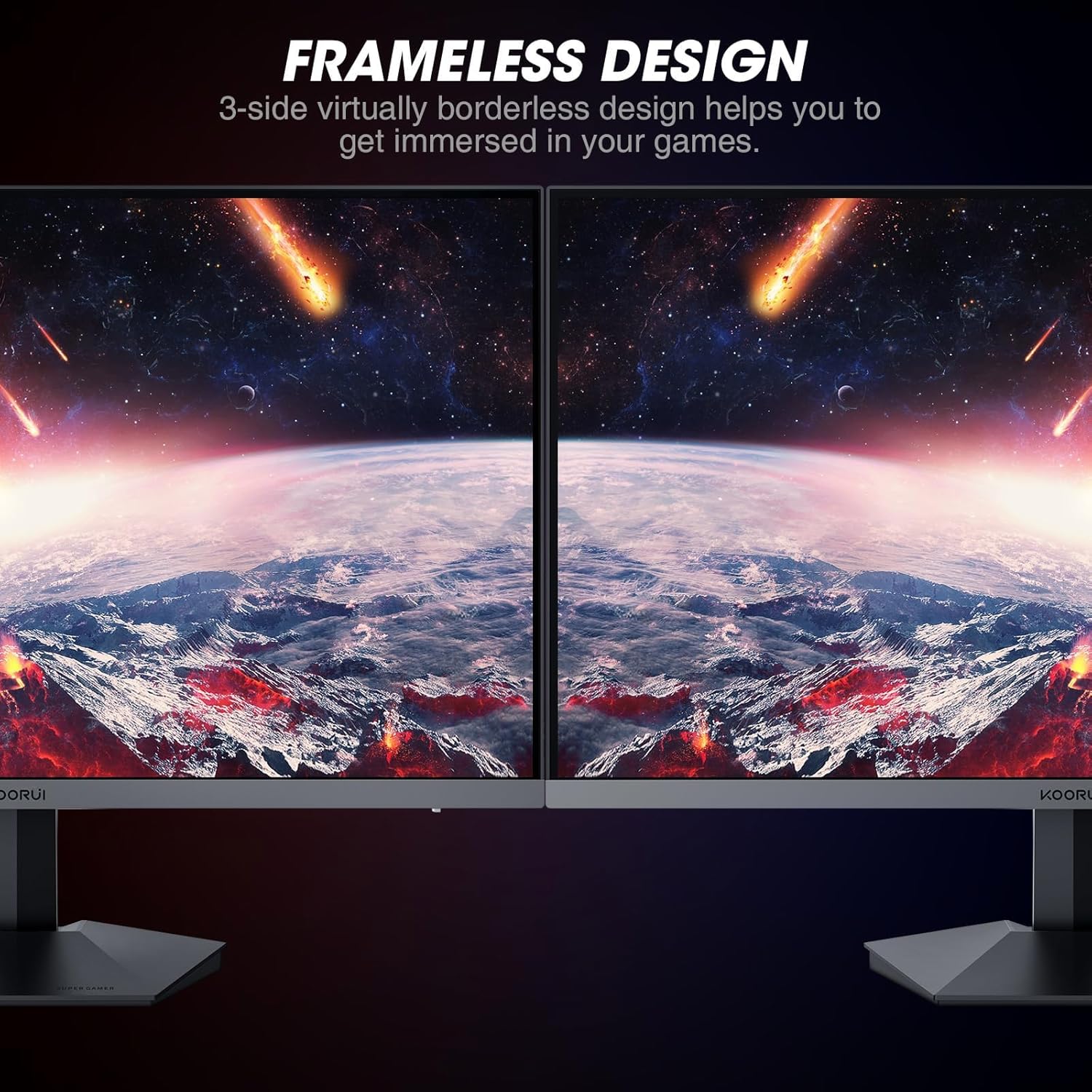
The 178° wide viewing angle ensures clear and consistent image representation from almost any perspective.
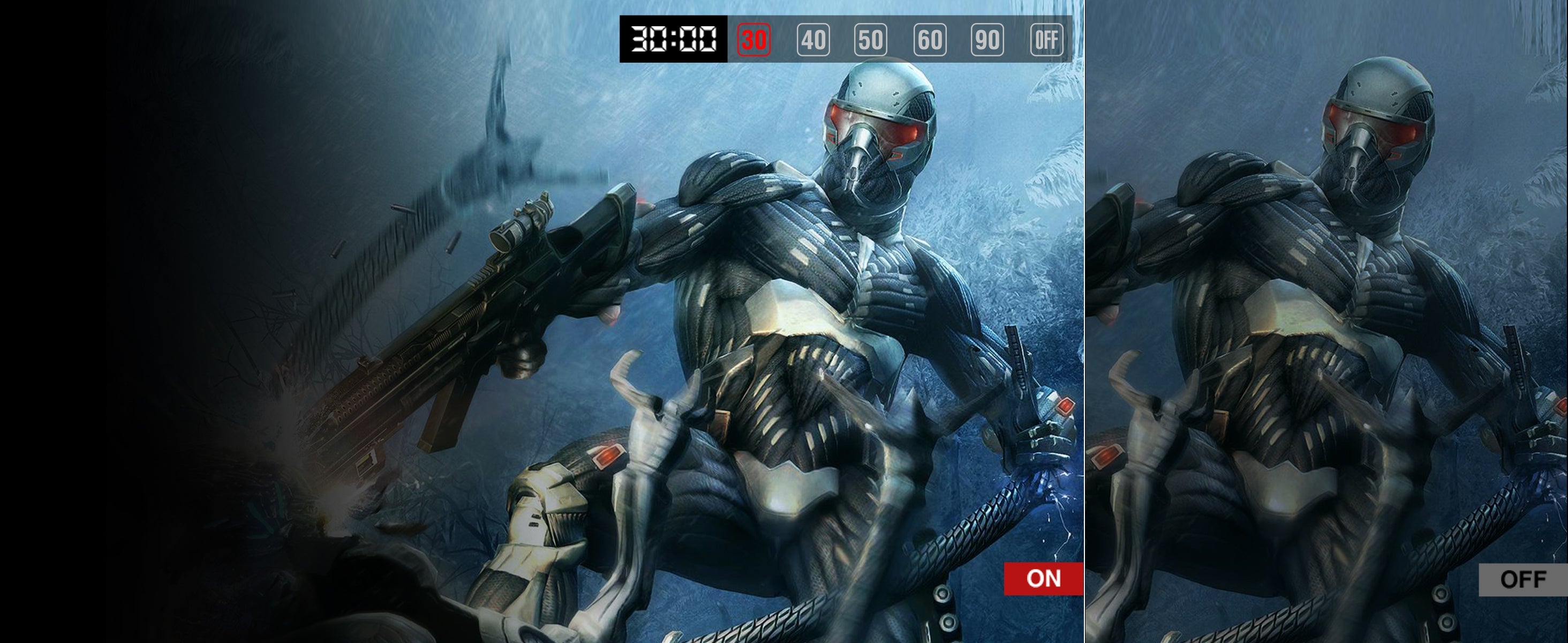
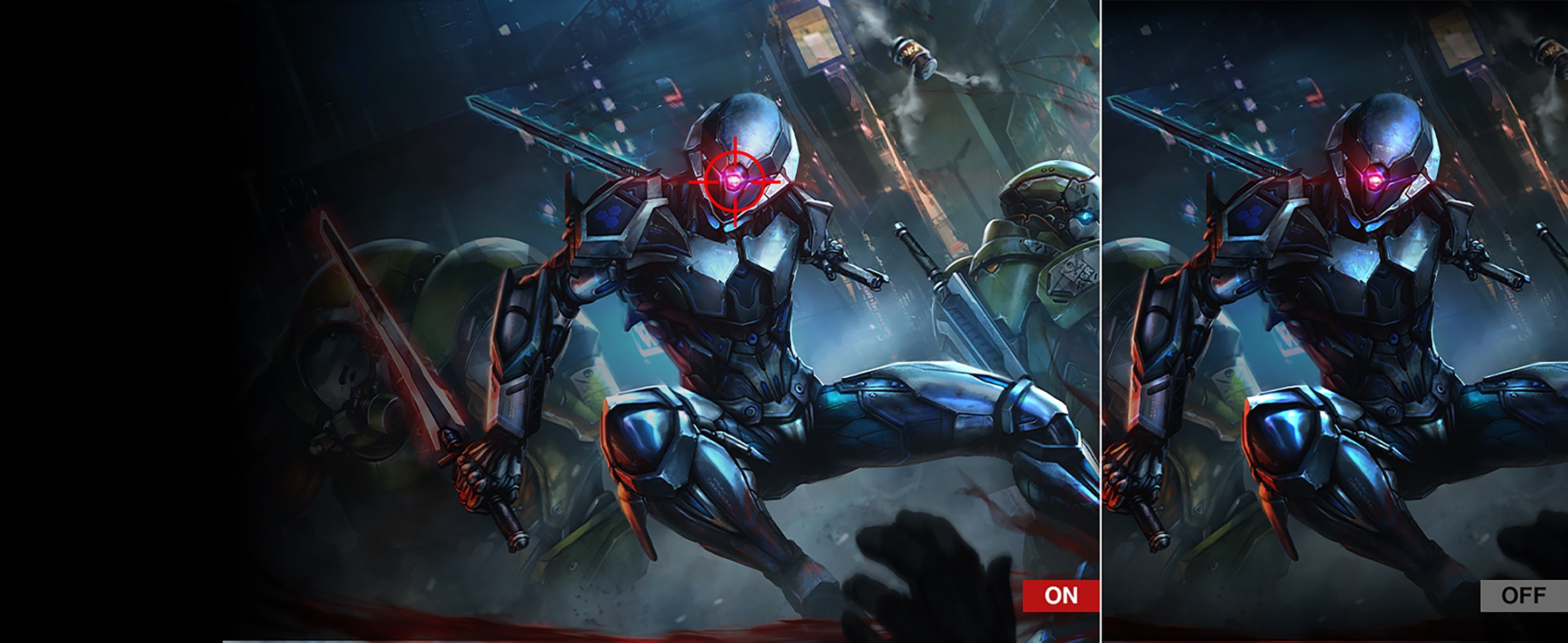
GAMING-MODUS

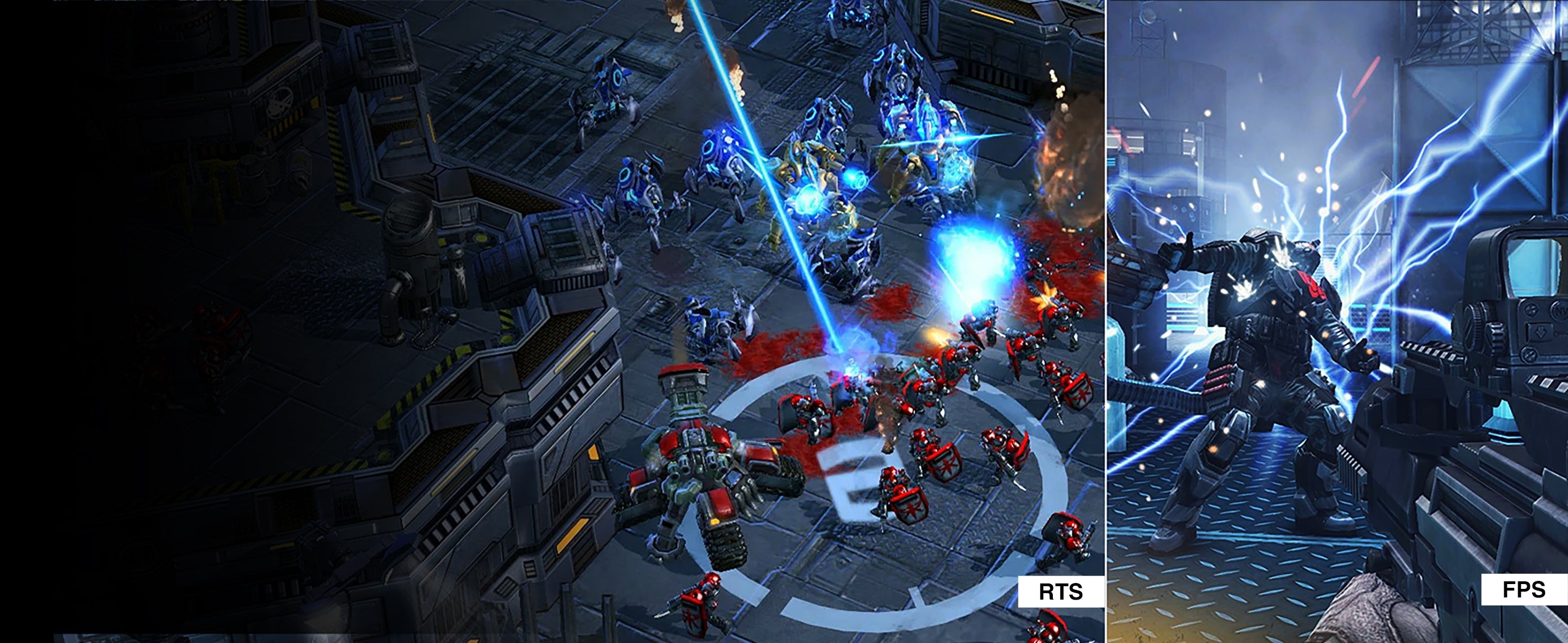



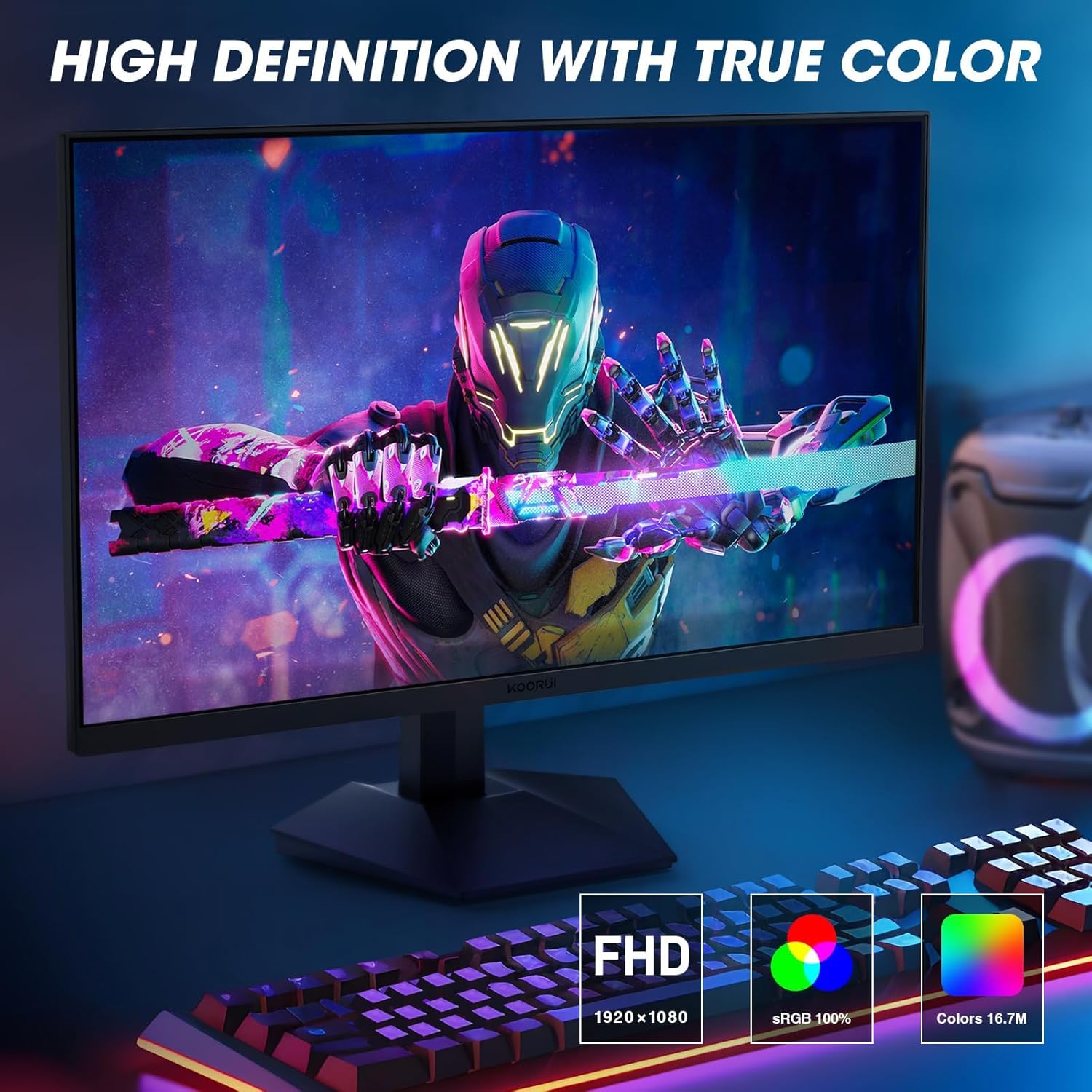
Meets a variety of requirements



Vergleichen Sie
KOORUI Series
Die Gebrauchs- und Wartungsanleitung
1. Monitor Installation
· Place the monitor on a flat and sturdy surface to ensure stability.
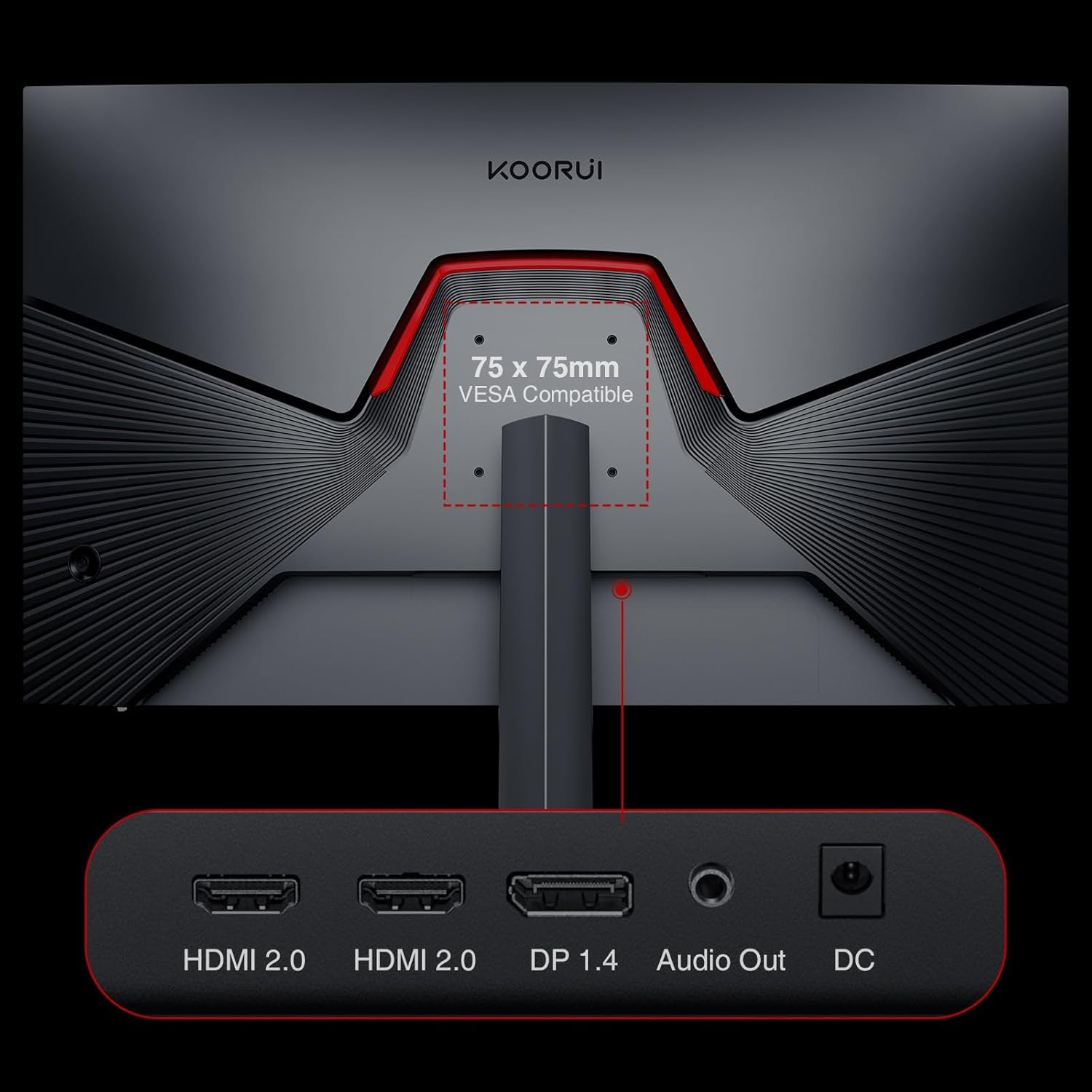
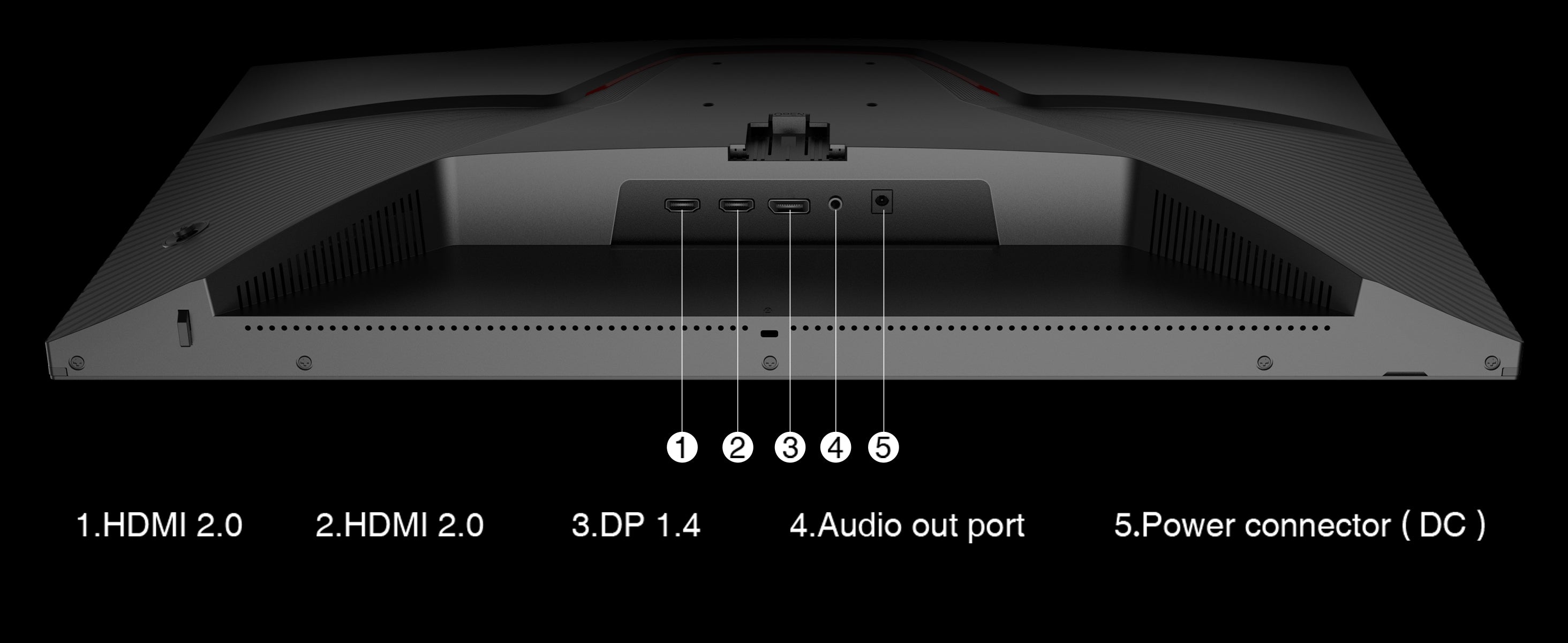
· Before connecting the power supply and video signals, ensure the monitor is correctly connected to devices like computers and game consoles.
· Use the provided power and video cables for connection.
2. Monitor Adjustment
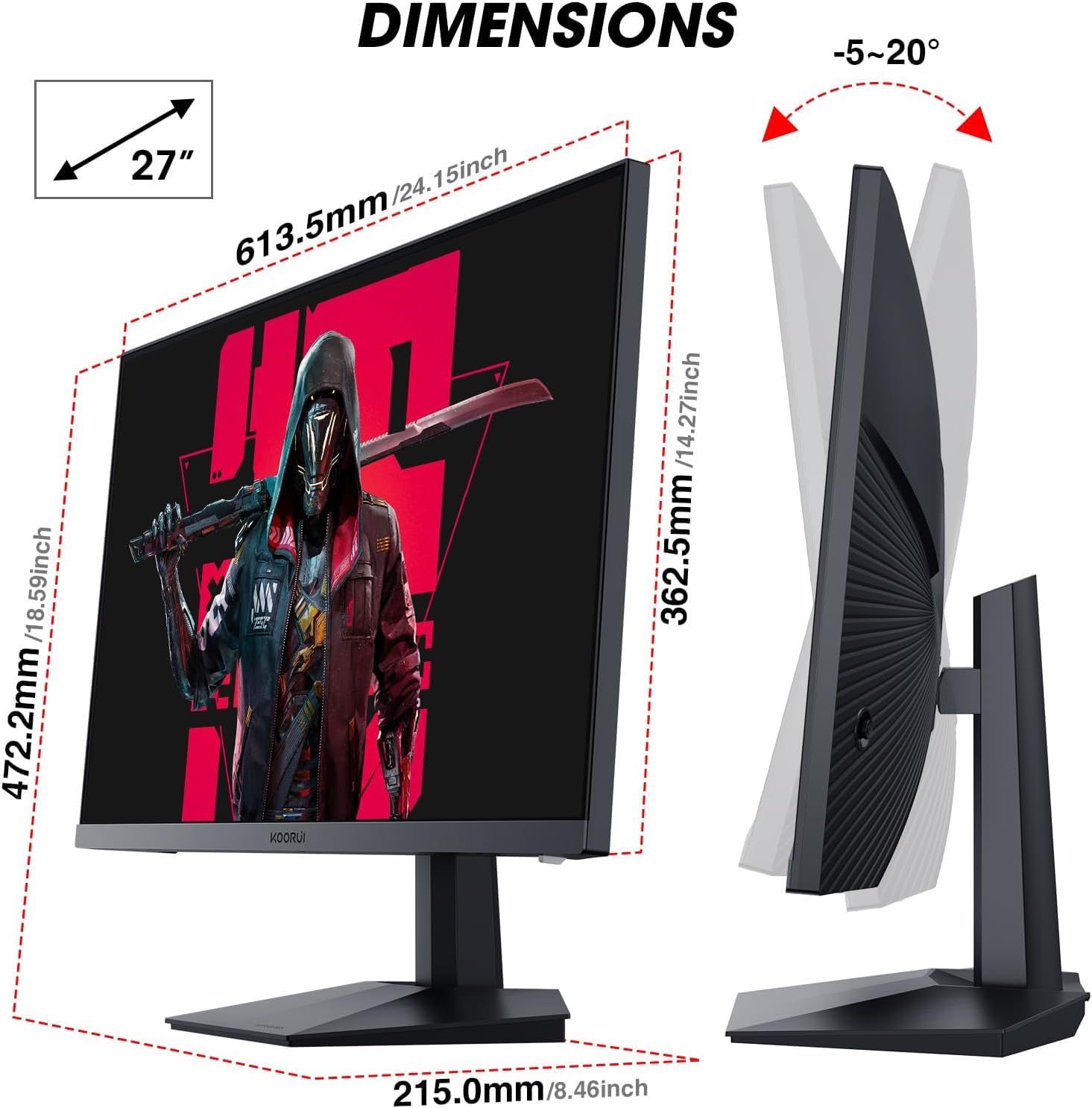
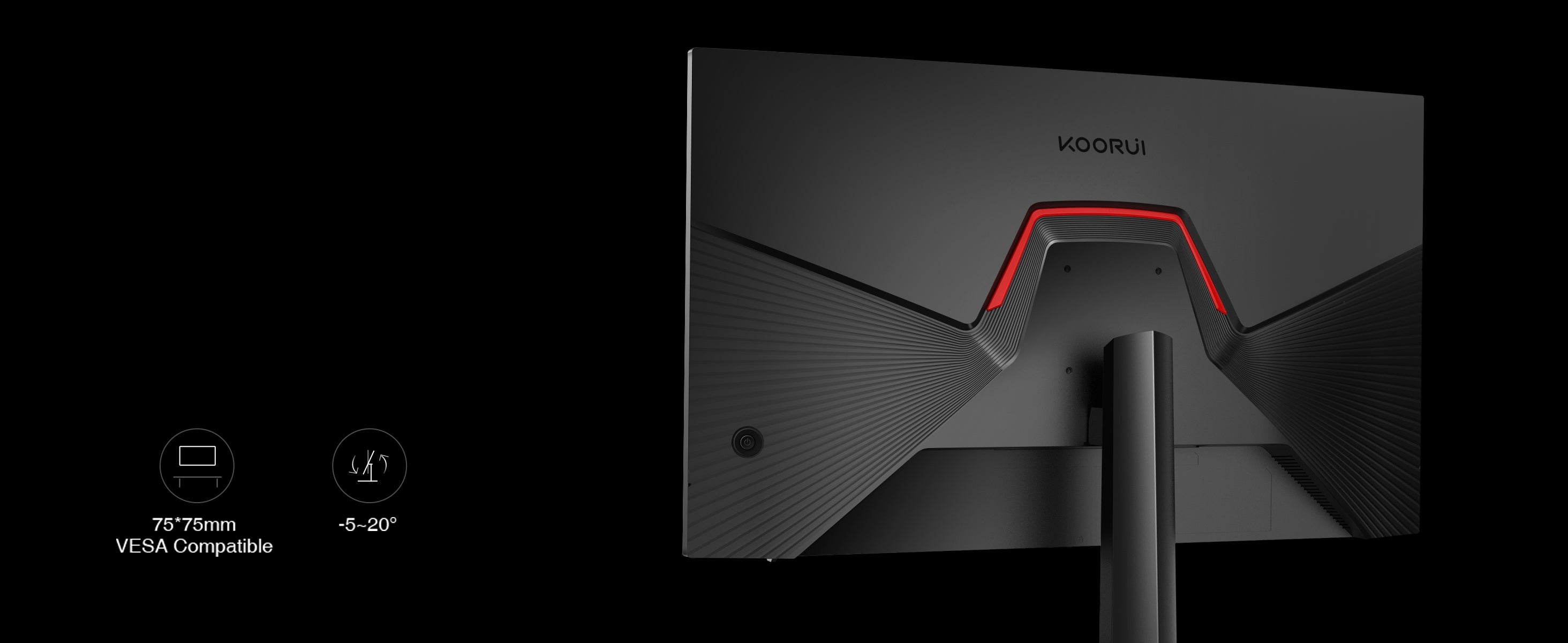
· Adjust the height, tilt, and rotation of the monitor according to your personal preferences.
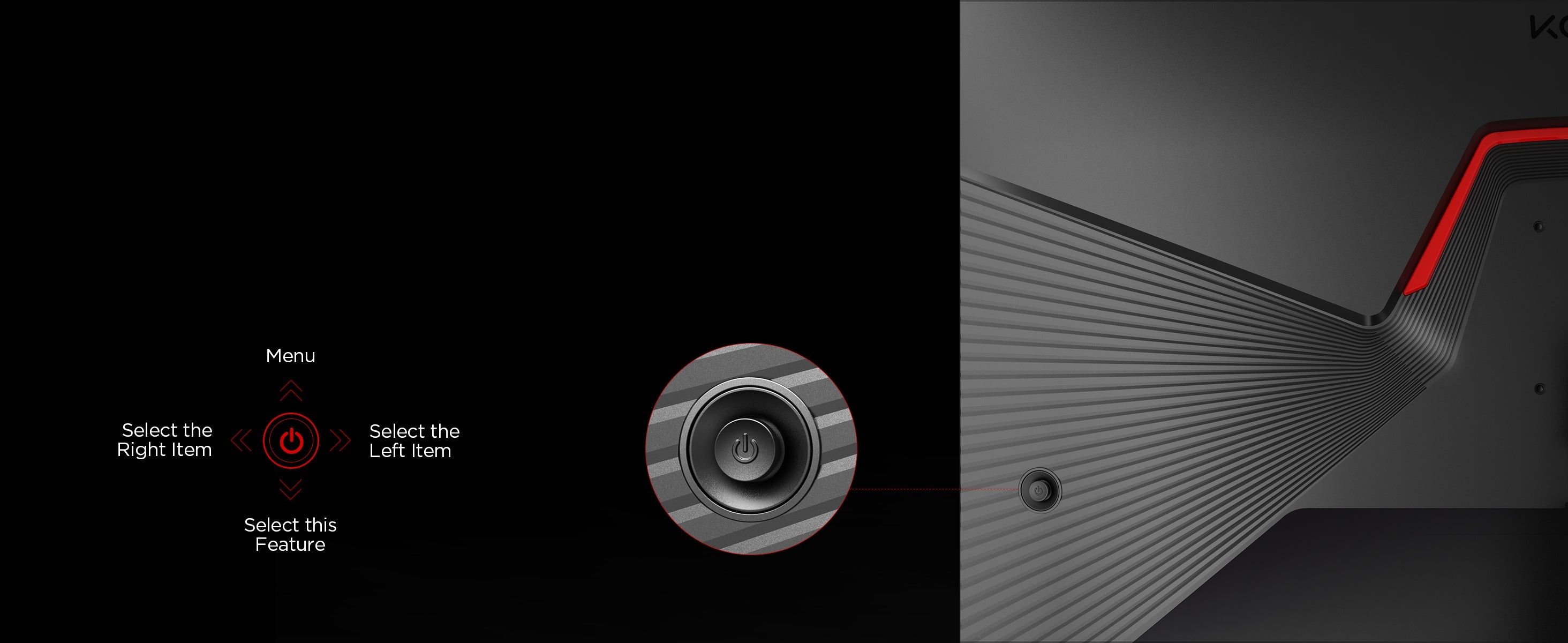
· Use the on-screen display menu to adjust settings like brightness and contrast.
3. Monitor Usage
· The monitor is suitable for office work, home entertainment, gaming, and other purposes.
· Avoid displaying static images for extended periods to prevent screen burn-in.
· It is recommended to use the recommended resolution and refresh rate for the best display performance.
4. Monitor Maintenance and Cleaning
· When cleaning the screen, it is recommended to use a soft, lint-free cloth to gently wipe the surface.
· Avoid using cleaners containing alcohol or corrosive chemicals.
· Turn off the power and unplug the power cable before cleaning to avoid electrical issues.
5. Important Notes
· Avoid exposing the monitor to high temperatures, humidity, or dusty environments.
· Do not disassemble the monitor yourself. In case of malfunction, please contact a professional technician for repair.
6. Common Issues and Solutions
· Monitor won’t turn on: Ensure the power cable is properly connected and check if the power button is on.
· Screen appears blurry: Adjust the resolution and display settings to ensure compatibility between the signal source and the monitor.
· Screen flickering: Check if the video cable is properly connected and try using a different cable.
7. Warranty and After-Sales Service
· The monitor comes with a one-year warranty. If any quality issues arise during the warranty period, please contact the after-sales service department for repair.
Häufig gestellte Fragen
Please read our FAQs page to find out more.
Was ist ein Gaming-Monitor?
Verwenden Sie diesen Text, um Fragen Ihrer Kunden so detailliert wie möglich zu beantworten.
What is the ideal screen size for a gaming monitor?
Verwenden Sie diesen Text, um Fragen Ihrer Kunden so detailliert wie möglich zu beantworten.
What’s a refresh rate? Is a high refresh rate good for gaming?
Verwenden Sie diesen Text, um Fragen Ihrer Kunden so detailliert wie möglich zu beantworten.
What’s response time? Is low response time good for gaming? >
Verwenden Sie diesen Text, um Fragen Ihrer Kunden so detailliert wie möglich zu beantworten.
What is FreeSync? How does it help with gaming?
Verwenden Sie diesen Text, um Fragen Ihrer Kunden so detailliert wie möglich zu beantworten.
What is HDR? Is it valuable in a gaming system?
Verwenden Sie diesen Text, um Fragen Ihrer Kunden so detailliert wie möglich zu beantworten.